# User Groups

> **Info:** User Groups are only available through our Cloud Scale plan. See
>   [pricing](https://hatchet.run/pricing) for more details.

User groups make granting automatic access to tenants within an organization easier.

### Creating a user group

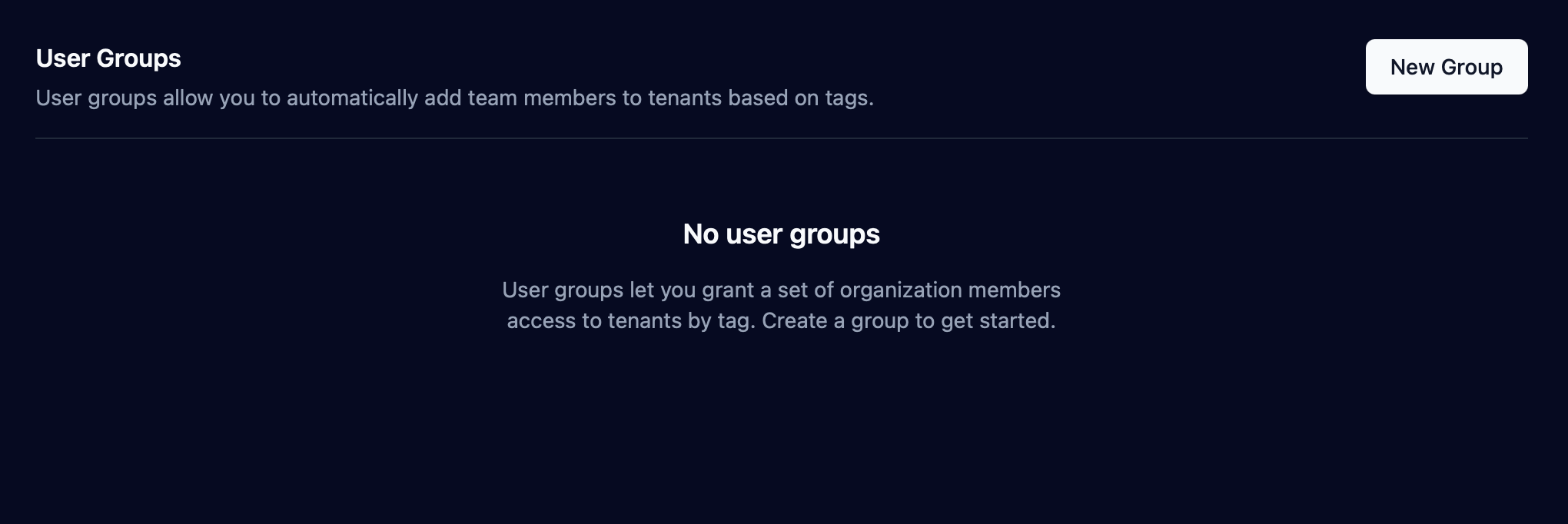
Navigate to Settings > Team, then click on the New Group button.

<figure style={{ margin: "2rem auto", maxWidth: "100%", textAlign: "center" }}>
  <img
    src="/enterprise/user_groups_1.png"
    alt="User groups settings page"
    style={{ width: "100%", height: "auto", borderRadius: "8px" }}
  />
</figure>

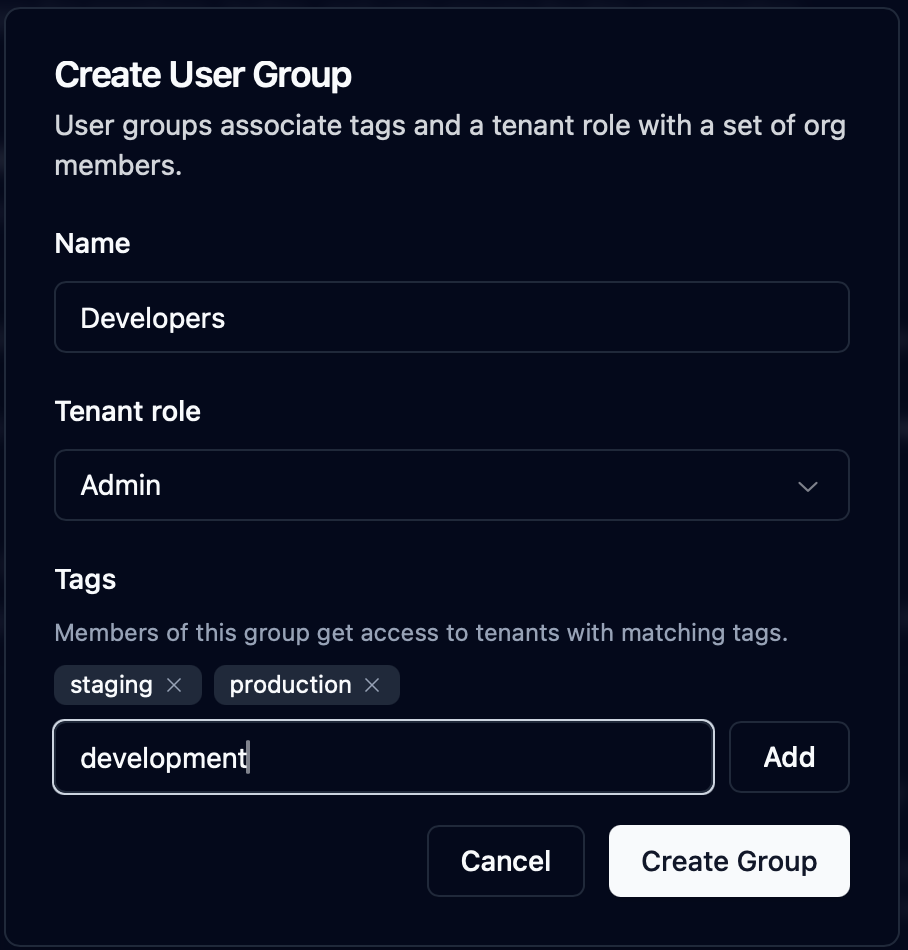
In the modal, input the name for the group, the tenant role that users synced with that group will have, and tags to determine which tenant the user group will be synced to.

<figure style={{ margin: "2rem auto", maxWidth: "50%", textAlign: "center" }}>
  <img
    src="/enterprise/user_groups_2.png"
    alt="User groups creation modal"
    style={{ width: "100%", height: "auto", borderRadius: "8px" }}
  />
</figure>

### Adding tags to tenants

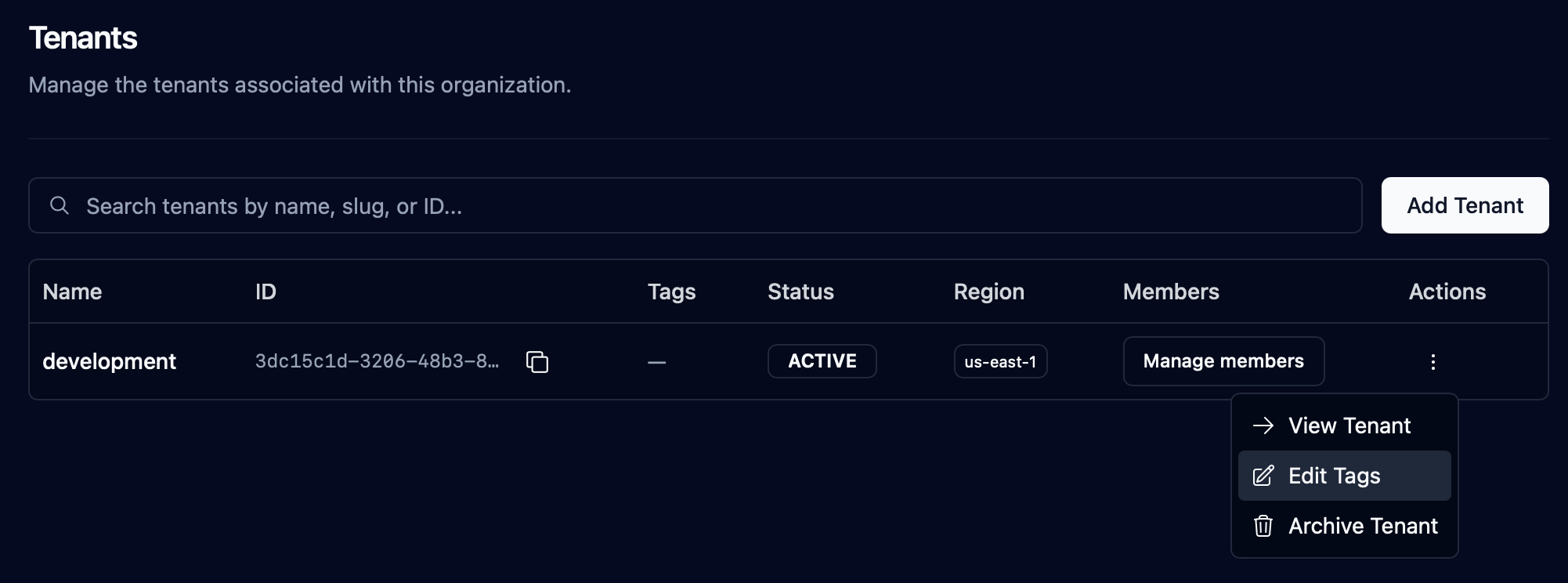
Navigate to the tenants page in Settings, and select "Edit tags" from the dropdown for a tenant.

<figure style={{ margin: "2rem auto", maxWidth: "100%", textAlign: "center" }}>
  <img
    src="/enterprise/tenant_tags_1.png"
    alt="Tenant tags dropdown"
    style={{ width: "100%", height: "auto", borderRadius: "8px" }}
  />
</figure>

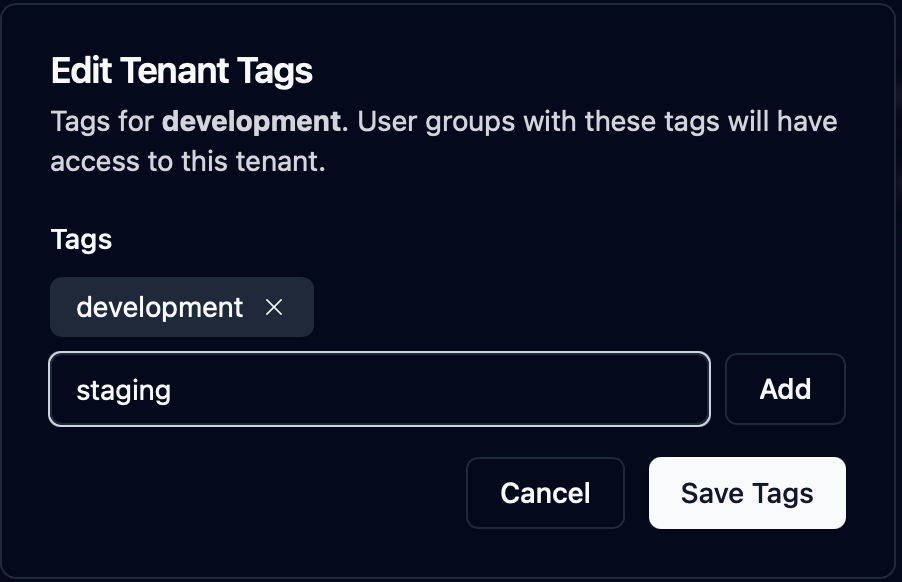
Add the desired tags.

<figure style={{ margin: "2rem auto", maxWidth: "50%", textAlign: "center" }}>
  <img
    src="/enterprise/tenant_tags_2.png"
    alt="Tenant tags modal"
    style={{ width: "100%", height: "auto", borderRadius: "8px" }}
  />
</figure>

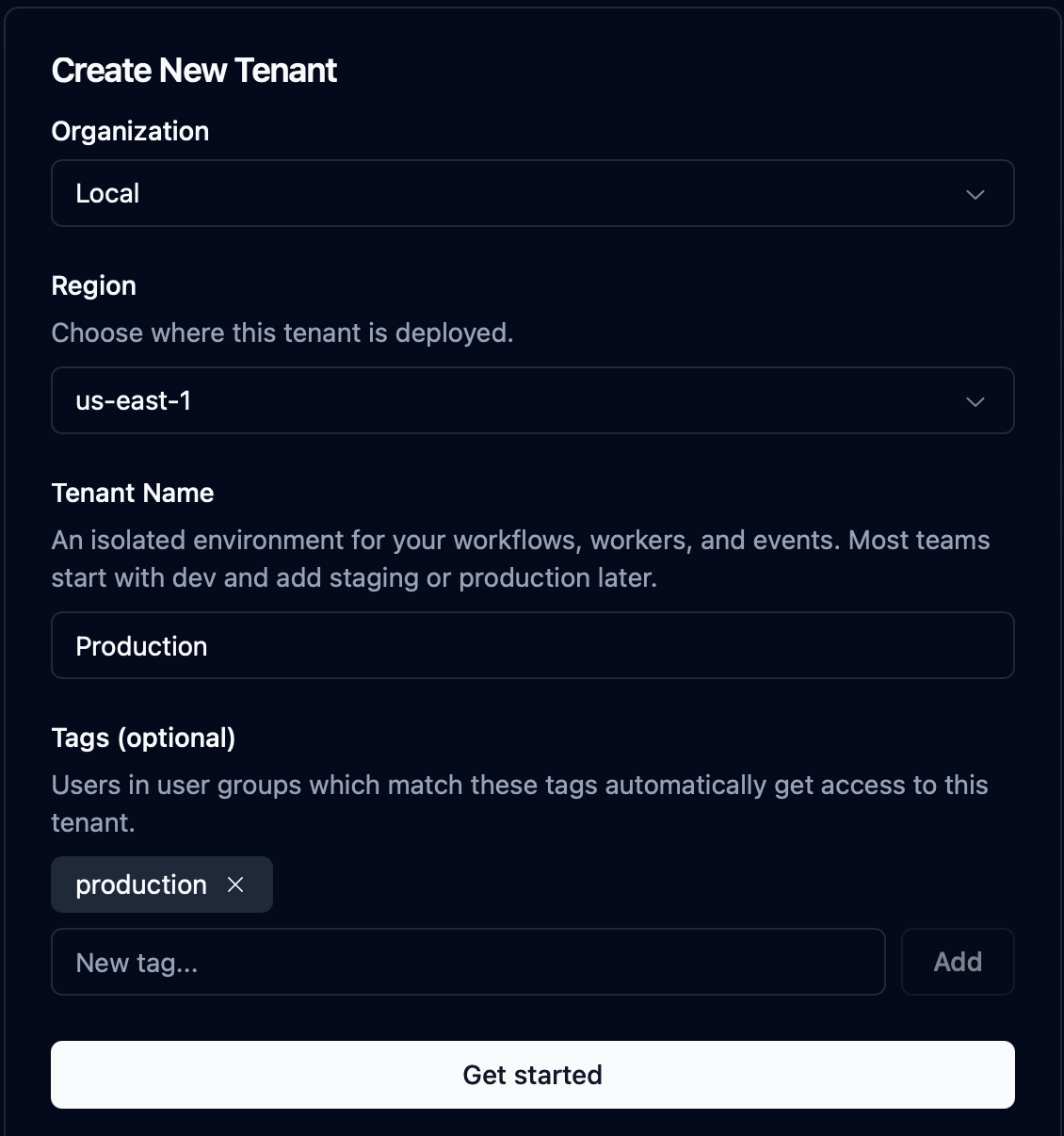
Tags can also be set when creating a new tenant.

<figure style={{ margin: "2rem auto", maxWidth: "50%", textAlign: "center" }}>
  <img
    src="/enterprise/tenant_tags_3.png"
    alt="Tenant creation modal"
    style={{ width: "100%", height: "auto", borderRadius: "8px" }}
  />
</figure>

## Tag Syncing

User groups work by automatically granting access for the users inside the group to tenants that have a _subset_
of the user group's tags. The diagram below shows an example tenant-user group setup. Three tenants — "Preview" (tagged `production` and `staging`), "Production" (tagged
`production`), and "Staging" (tagged `staging`) — alongside three user groups with the same tag combinations. Each
tenant lists the users who are synced into it automatically, based on which groups' tags are a superset of its own:

```mermaid
%%{init: {'themeVariables': {'fontSize': '13px'}}}%%
flowchart LR
    subgraph UG["User Groups"]
        direction TB
        G1("<b style='color:#4a148c'>Everyone</b><br/><span style='font-size:10px;color:#7b4a94'>tags: production, staging</span><br/><span style='font-family:monospace;font-size:11px;color:#4a148c'>a@example.com&nbsp;&nbsp;ADMIN</span>")
        G2("<b style='color:#0d47a1'>Production Team</b><br/><span style='font-size:10px;color:#3f6fa8'>tags: production</span><br/><span style='font-family:monospace;font-size:11px;color:#0d47a1'>c@example.com&nbsp;&nbsp;MEMBER</span>")
        G3("<b style='color:#e65100'>Staging Team</b><br/><span style='font-size:10px;color:#b3661f'>tags: staging</span><br/><span style='font-family:monospace;font-size:11px;color:#e65100'>b@example.com&nbsp;&nbsp;MEMBER</span>")
    end

    subgraph TN["Tenants"]
        direction TB
        T1("<b style='color:#4a148c'>Preview</b><br/><span style='font-size:10px;color:#7b4a94'>tags: production, staging</span><br/><span style='font-family:monospace;font-size:11px;color:#4a148c'>a@example.com&nbsp;&nbsp;ADMIN</span>")
        T2("<b style='color:#0d47a1'>Production</b><br/><span style='font-size:10px;color:#3f6fa8'>tags: production</span><br/><span style='font-family:monospace;font-size:11px;color:#0d47a1'>a@example.com&nbsp;&nbsp;ADMIN</span><br/><span style='font-family:monospace;font-size:11px;color:#0d47a1'>c@example.com&nbsp;&nbsp;MEMBER</span>")
        T3("<b style='color:#e65100'>Staging</b><br/><span style='font-size:10px;color:#b3661f'>tags: staging</span><br/><span style='font-family:monospace;font-size:11px;color:#e65100'>a@example.com&nbsp;&nbsp;ADMIN</span><br/><span style='font-family:monospace;font-size:11px;color:#e65100'>b@example.com&nbsp;&nbsp;MEMBER</span>")
    end

    G1 --> T1
    G1 --> T2
    G1 --> T3
    G2 --> T2
    G3 --> T3

    style G1 stroke-dasharray: 4 3,fill:#f3e5f5,stroke:#8e24aa,color:#4a148c
    style G2 stroke-dasharray: 4 3,fill:#e3f2fd,stroke:#1976d2,color:#0d47a1
    style G3 stroke-dasharray: 4 3,fill:#fff3e0,stroke:#f57c00,color:#e65100
    style T1 fill:#f3e5f5,stroke:#8e24aa,stroke-width:2px,color:#4a148c
    style T2 fill:#e3f2fd,stroke:#1976d2,stroke-width:2px,color:#0d47a1
    style T3 fill:#fff3e0,stroke:#f57c00,stroke-width:2px,color:#e65100
    style UG fill:transparent,stroke:#8a8a8a,stroke-width:1px
    style TN fill:transparent,stroke:#8a8a8a,stroke-width:1px
```

## Organization Owners

Organization owners are exempt from the tag-syncing roles, they are added to every tenant in the organization with role "OWNER".